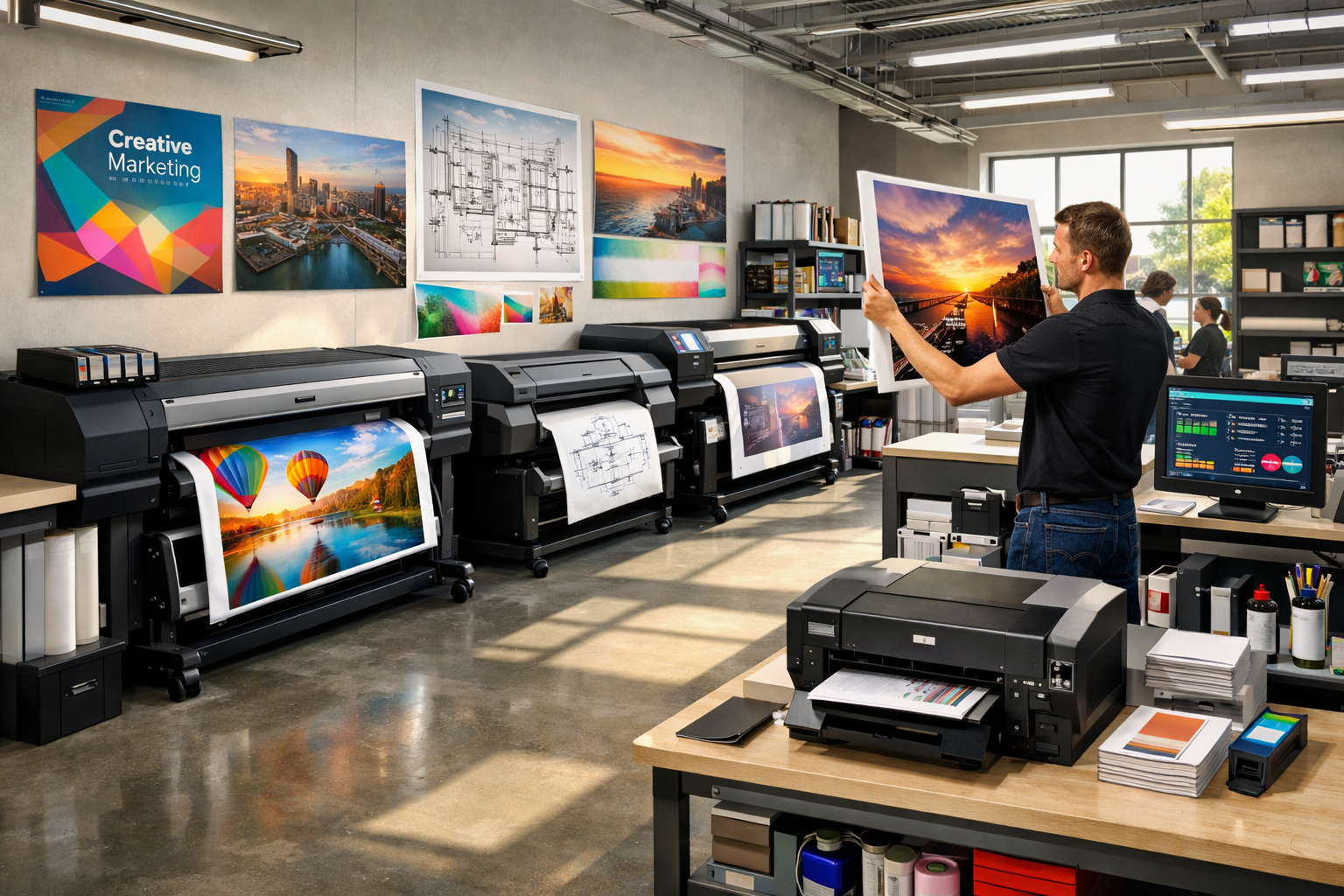
When selecting reliable wide-format inkjet printers, your print shop evaluates several key factors. Understanding these considerations will help you match the right printer to your specific operational needs and maintain consistent, high-quality output without unnecessary downtime or expense.
Below are the core areas small businesses should examine, along with guidance on how to evaluate each one.
Clarify Your Printing Requirements
Begin by defining exactly what you plan to print, how much you will print, and how frequently you will print. This step helps narrow your options and prevents overspending on features you do not need.
4 key questions to ask:
-
What applications will we produce? (e.g., blueprints, posters, banners, marketing materials, fine art prints)
-
What media will we use? (e.g., bond paper, canvas, vinyl)
-
What maximum and typical print sizes are required?
-
Is our work more technical (e.g., CAD drawings) or more visual (e.g., promotional graphics and photography)?
For example, a business focused on technical line drawings may prioritize precision and line clarity, while a shop producing vibrant retail signage will place more emphasis on color quality and gamut.
Assess Print Volume and Speed
Monthly print volume is one of the most important factors in selecting equipment, because it influences printer size, durability, and service requirements.
Consider:
-
How many square feet or pages you expect to print per month
-
Whether you print in short bursts or continuously throughout the day
-
Peak periods when demand is higher
High-volume environments typically benefit from robust, high-speed printers designed for continuous production. Lower-volume operations may be better served by compact models that are easier to house and maintain.
When comparing specifications, focus on:
-
Realistic speeds at the quality settings you will actually use
-
Throughput for your typical job types, not just the maximum speed listed in the brochure
Understand Print Quality and Color Accuracy
Print quality is influenced by several technical factors:
-
Resolution, usually measured in dots per inch (DPI)
-
Droplet size (smaller droplets generally allow finer detail)
-
Number and type of ink channels
Basic wide-format printers may use a 4–5 color ink set, while more advanced models can use 8 or 12 inks. Additional inks expand the color gamut, improve gradients and skin tones, and enhance image smoothness.
To properly evaluate quality:
-
Request sample prints from the printer using the same media types you plan to run
-
Examine fine details, gradients, text clarity, and solid color areas
-
Review how accurately the printer reproduces your brand colors or other critical tones
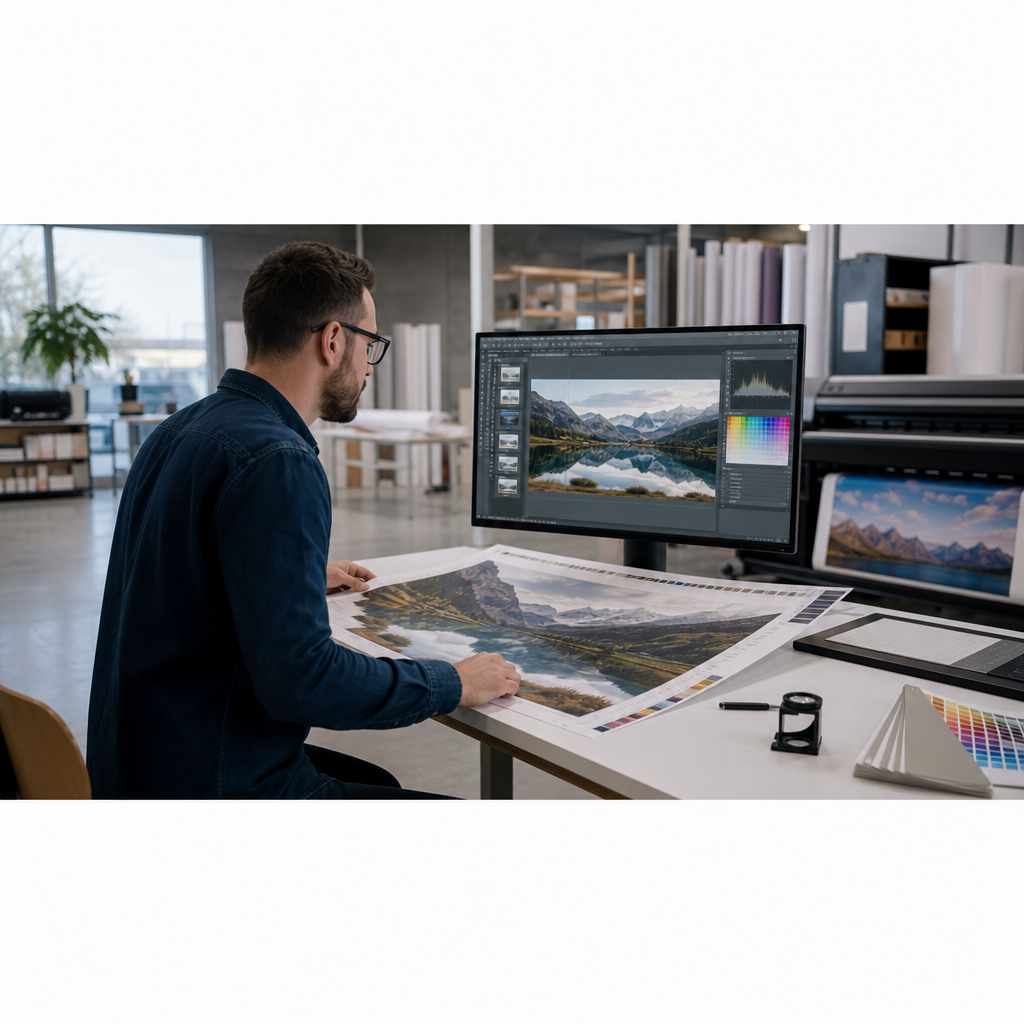
Color management capabilities, including built-in profiling tools and support for ICC profiles, are especially important if you need consistent, repeatable color across different jobs and substrates.
Compare Costs: Upfront and Ongoing
The purchase price is only one part of the total cost of ownership. To understand the long-term financial impact, also evaluate:
-
Ink or toner cost per milliliter or per square foot
-
Media costs for your most common applications
-
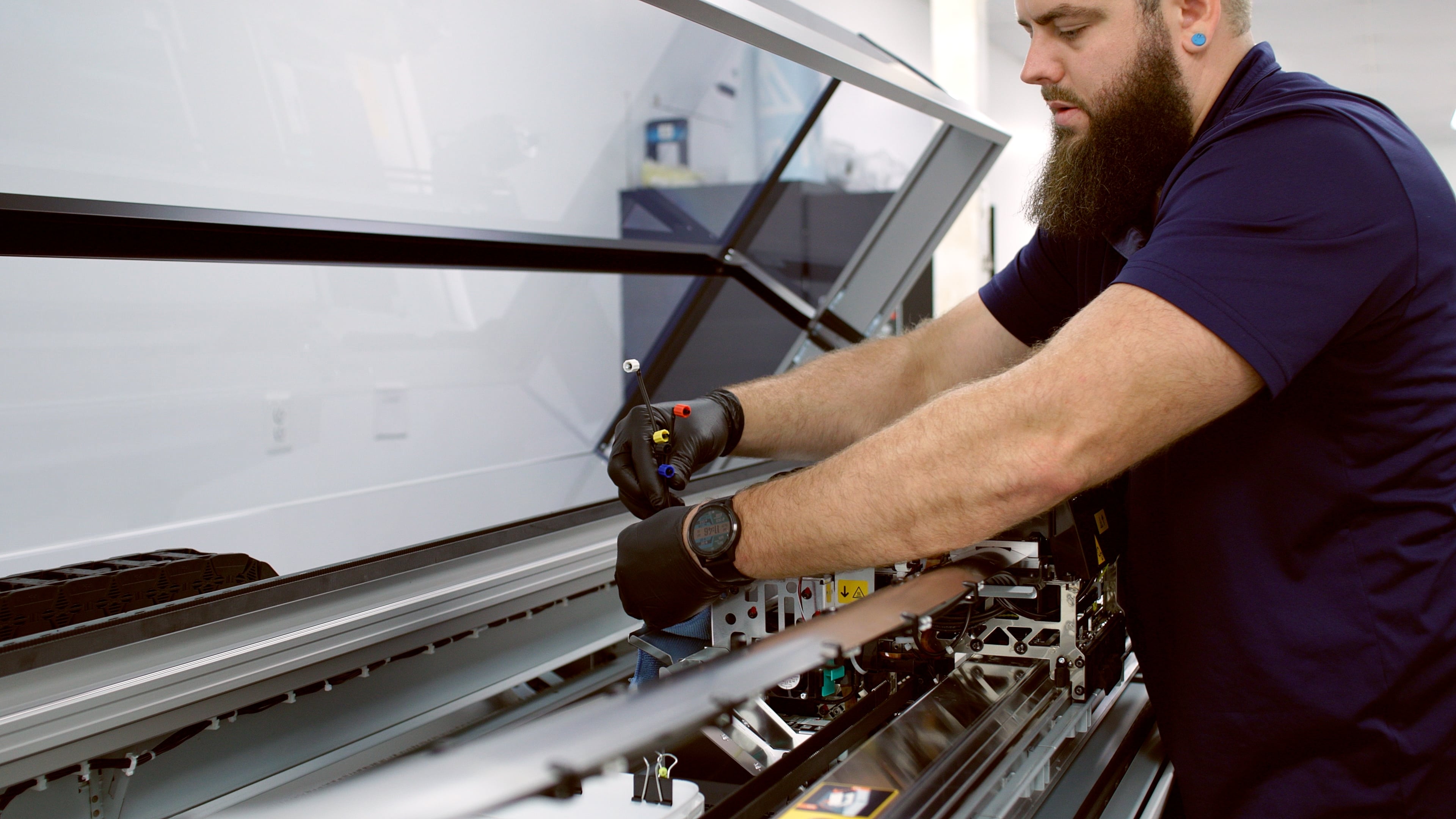
Maintenance needs (e.g., replacement parts, printheads, scheduled service)
-
Energy consumption and operating environment requirements
A lower-cost printer may have higher ink usage or more frequent component replacements, which can raise overall costs. When possible, estimate:
Leasing or financing can be useful if you want to preserve cash flow, keep up with technology, or plan for periodic equipment upgrades.
Review Media Compatibility and Flexibility
A wide-format printer should support the media types that align with your product mix. When evaluating media compatibility, consider:
-
Supported media categories (bond paper, photo paper, canvas, fabric-like substrates, vinyl, films, banner material)
-
Recommended thickness and weight ranges
-
Whether you will need to run specialty materials, such as textured fine art media or high-adhesion films
The more flexible the printer is with media, the easier it will be to expand into new applications over time (for example, moving from simple posters to premium canvas or backlit graphics).
Evaluate Reliability, Maintenance, and Support
Printer reliability directly affects uptime and profitability. To evaluate this area, focus on:
-
Reputation and track record of the manufacturer
-
Availability of local or remote technical support
-
Typical service response times and coverage hours
-
Cost and availability of common replacement parts and consumables
Also consider the age of any existing printers in your operation. Devices older than 6–8 years may:
-
Require more frequent service calls
-
Suffer from outdated drivers or limited compatibility with current operating systems
-
Deliver less consistent performance compared to modern models
In these cases, replacing an older printer can reduce downtime and improve workflow efficiency.
Consider Connectivity and Ease of Use
Modern connectivity options simplify daily operations and reduce the demand on your IT resources.
Look for:
-
Network connectivity (Ethernet) for shared use across your team
-
Wi-Fi options where cabling is limited
-
USB connectivity for direct workstation connections when necessary
-
Secure printing or user authentication if you handle sensitive documents
Ease of use is equally important. An intuitive control panel, clear status indicators, print queue management, and mobile or cloud-printing support can help your team work more efficiently and reduce training time.
Plan for Features and Scalability
Finally, consider how the printer will support your business as it grows.
Helpful productivity and management features can include:
-
Automatic media loading and alignment
-
Built-in cutters or trimmers
-
Job accounting and tracking tools
-
Integration with RIP software or workflow systems
Scalability means thinking ahead:
-
Will this printer still meet your needs if your volume doubles?
-
Can it accommodate new applications you may want to add in the next few years?
-
Is there a clear path to expand (for example, by adding a second unit or upgrading within the same product family)?
By examining printing requirements, volume, quality, cost, media, reliability, connectivity, and scalability, you gain a structured framework for choosing a wide-format inkjet printer. This approach will help your business move beyond basic specifications and select a solution that is aigned with your production goals.
%20200-86.png?width=200&height=86&name=LexJet_PNG%20(1)%20200-86.png "LexJet")



.jpg)




Post a comment