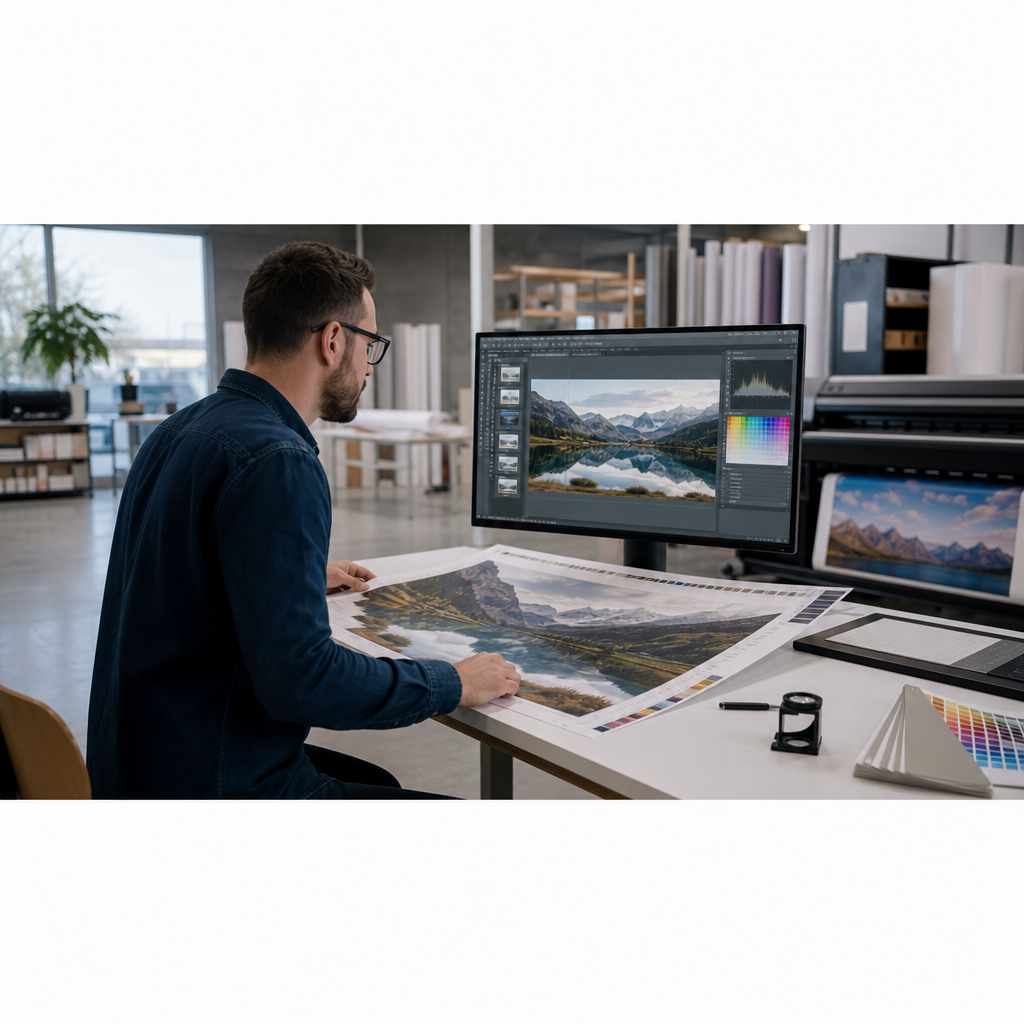
A file that looks sharp on your monitor doesn't always produce a sharp large-format print. As graphics grow from posters and wall murals to vehicle wraps, banners, and billboards, image quality, resolution, and file setup become increasingly important.
Taking time to prepare artwork before production helps reduce costly reprints, improve color accuracy, and ensure graphics look their best at their final size. Whether you're designing a trade show display or a building wrap, understanding how to prepare images for large-format printing can save both time and materials.
Why Image Preparation Matters More as Print Size Increases
Large-format printing has a way of revealing details that often go unnoticed on smaller prints or computer screens.
Low-resolution images, compression artifacts, jagged edges, and blurry logos may appear acceptable when viewed on a monitor, but those same issues become much more noticeable when enlarged across several feet of printed material.
The larger the graphic, the more important proper file preparation becomes. Spending a few extra minutes reviewing artwork before production can help prevent quality issues that are expensive to correct after printing.
Understanding Resolution for Large-Format Graphics
One of the most common misconceptions in print production is that every file must be created at 300 DPI. In reality, the ideal image resolution for large-format printing depends on how the finished graphic will be viewed.
Viewing distance matters
Graphics viewed up close require more detail than graphics viewed from across a room- or across a highway.
For example:
- Trade show displays, posters, and wall graphics viewed within a few feet typically benefit from higher effective resolution.
- Vehicle wraps and window graphics are often viewed from greater distances and generally require less resolution.
- Billboards and large outdoor signage can use significantly lower resolutions because viewers are much farther away.
Matching image resolution to the intended viewing distance helps maintain image quality while keeping file sizes manageable.
Understand effective resolution
Effective resolution refers to the image resolution at its final printed size- not the resolution of the original file.
For example, placing a 300 DPI image into a layout and enlarging it to four times its original size reduces its effective resolution to approximately 75 DPI. That may still be acceptable for some applications, but not for graphics viewed up close.
Before sending artwork to production, always verify the effective resolution at the final output size.
Choosing the Right File Type for Production
Different file formats serve different purposes throughout a professional print workflow. Selecting the appropriate format helps maintain image quality while reducing production issues.
PDF- PDF remains the preferred file format for most print production because it preserves layouts, supports vector graphics, and allows fonts and color profiles to travel with the file.
TIFF- TIFF files are commonly used for high-resolution photographic images, where preserving image quality is the priority. While file sizes tend to be larger, TIFF files maintain excellent detail for photographic reproduction.
EPS- EPS files are still found in some legacy production workflows, particularly for vector artwork. However, PDF has become the preferred format for many modern print environments.
Adobe Illustrator (AI)- Native Illustrator files are often requested when print providers need to edit artwork, adjust cut paths, or make production changes before printing.
Color Management Best Practices
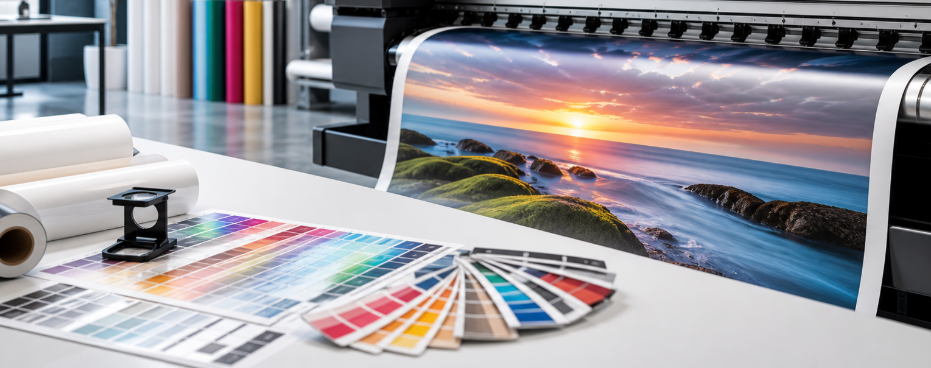
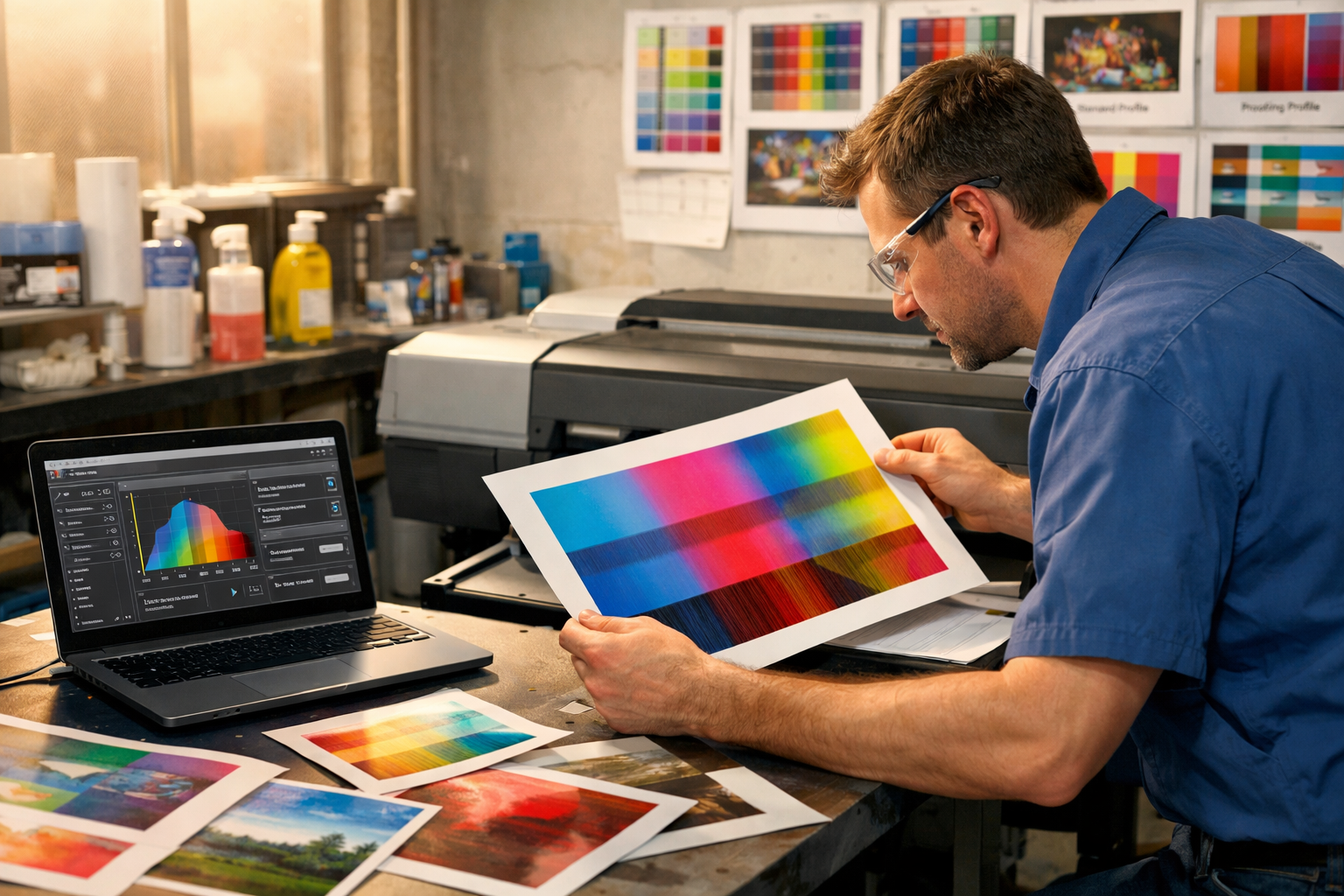
Computer monitors display color using RGB (Red, Green, Blue), while most production printing workflows rely on CMYK inks. Because monitors emit light and printers apply ink to media, colors rarely appear exactly the same without proper color management.
Many print workflows use CMYK files or manage color conversion through RIP software. Confirming your print provider's preferred workflow before production helps reduce unexpected color shifts.
Embedded ICC profiles also play an important role by telling the RIP software how colors should be interpreted on specific printers and media. Proper color management helps improve consistency across repeat jobs while reducing unnecessary proofing and material waste.
Scaling Artwork Without Losing Quality
Not all artwork scales the same way. Vector graphics- including logos, icons, line art, and text-are built using mathematical paths rather than pixels. Because of this, they can be enlarged to virtually any size without losing sharpness, making them ideal for large-format printing.
Photographs and other raster images are different. Raster graphics are made up of pixels, so enlarging them beyond their original resolution reduces image quality. Blurry photographs and pixelated logos often result from stretching raster artwork beyond its intended size.
Understanding the difference between vector and raster graphics is one of the most important parts of preparing artwork for large-format production.
Common File Setup Mistakes That Cause Reprints
Many production problems begin before the file ever reaches the printer. Fortunately, they're also among the easiest to prevent.
Low-resolution logos
Logos copied from websites are often designed for digital viewing rather than print production. When enlarged for banners or signage, they frequently become blurry or pixelated. Whenever possible, use original vector artwork for logos and branding elements.
Missing fonts
If fonts are not outlined or supplied with the artwork, production computers may substitute different fonts during processing. Even small font changes can alter spacing, line breaks, and overall layout.
Incorrect bleed
Large-format graphics are trimmed after printing, making bleed an important part of file preparation. Extending artwork beyond the final trim size helps prevent unwanted white edges if slight trimming variations occur during finishing.
Flattened transparencies
Drop shadows, gradients, and transparency effects can behave differently depending on export settings and RIP software. Reviewing exported PDFs before production helps identify potential issues before they reach the printer.
Most reprints result from small file setup mistakes rather than printer problems. A careful preflight review helps catch these issues before production begins.
A Preflight Checklist Before Sending Files to Production
Before submitting artwork, take a few minutes to review the file.
Confirm that:
- Final dimensions match the intended print size or clearly indicate the production scale.
- Effective image resolution is appropriate for the viewing distance.
- The correct color mode and embedded color profile have been used.
- Fonts are outlined or supplied with the artwork.
- Bleed has been added where required.
- Linked images have been embedded or packaged correctly.
- The exported PDF has been reviewed for transparency or layout issues.
Good File Preparation Saves Time Later
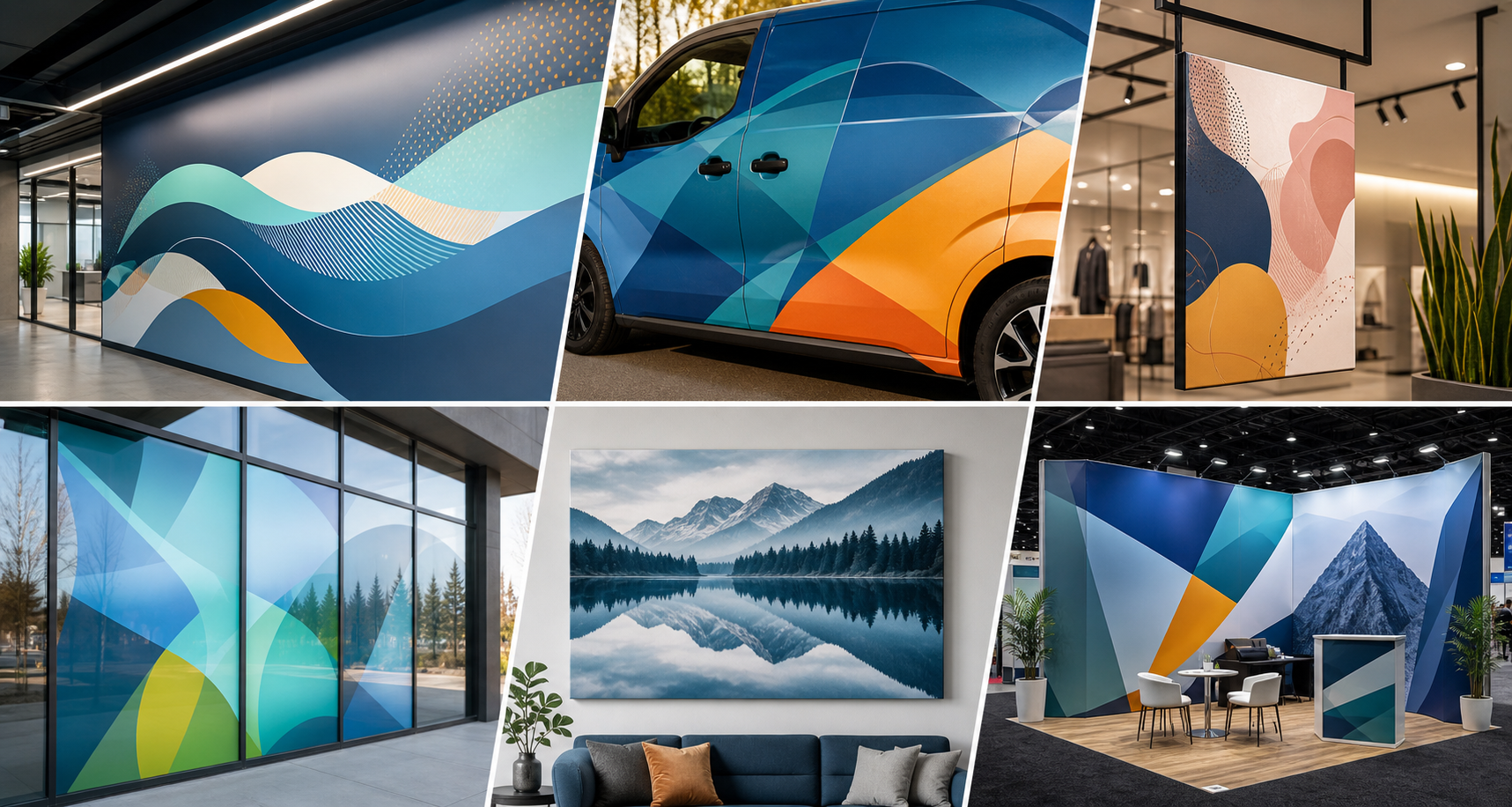
Whether you're producing wall graphics, vehicle wraps, trade show displays, or outdoor signage, taking time to prepare your files properly helps create a smoother production workflow from design through installation.
If you're unsure how to prepare images for large-format printing or have questions about large-format printers, media, color management, or production workflows, LexJet's team can help you choose the right solutions for your next project.
%20200-86.png?width=200&height=86&name=LexJet_PNG%20(1)%20200-86.png "LexJet")



.jpg)

Post a comment