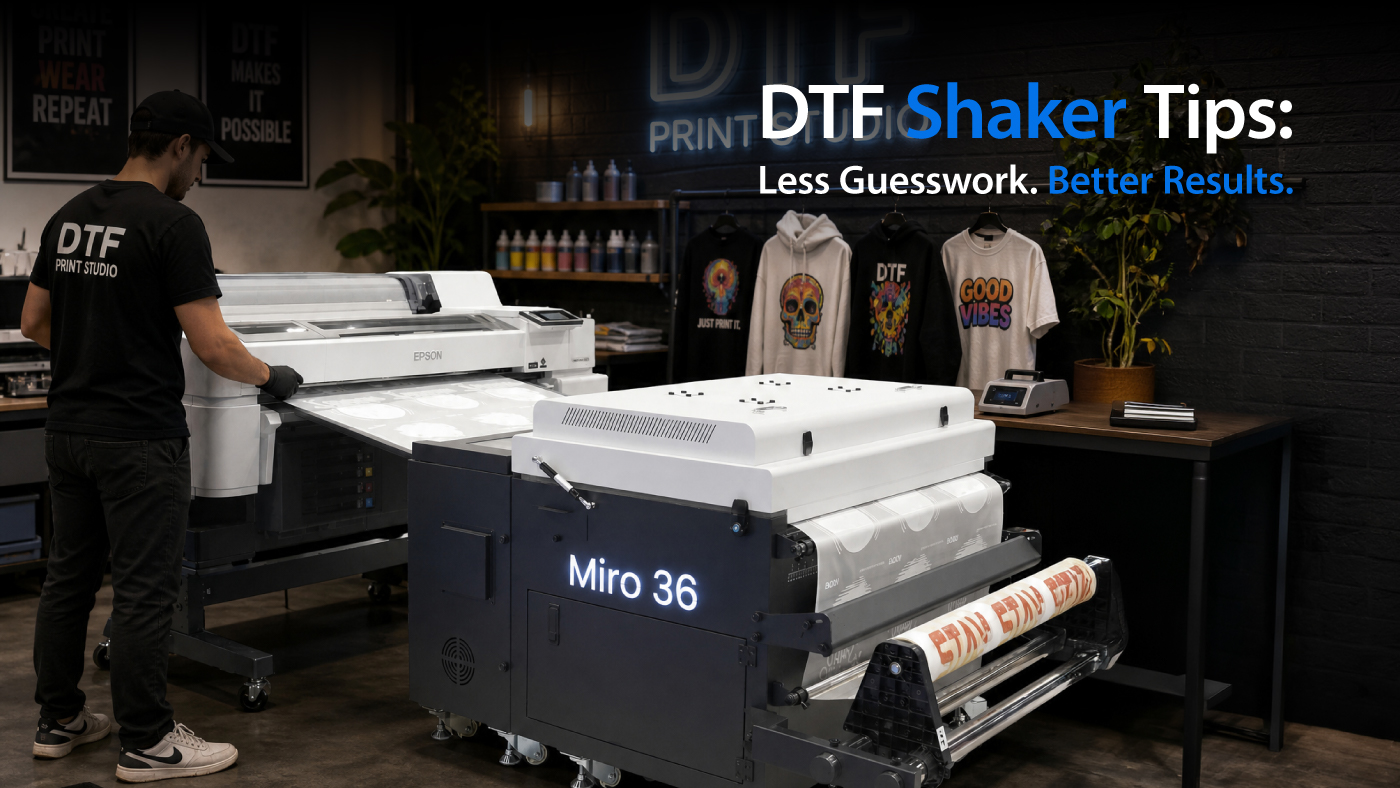
For shops running DTF, consistency isn’t about one setting- it’s about how everything works together. When it comes to the shaker, two settings tend to drive most of the results:
Get those right, and your transfers stay consistent. Get them wrong, and problems show up quickly, whether it’s poor adhesion, brittle prints, or wasted material.
How Temperature and Speed Work Together in a DTF Shaker
In a DTF workflow, the shaker brings them to a semi-cured state, making the image ready to bond during heat pressing. That process depends on the time under heat.
That balance determines whether your powder cures properly or creates issues later.
What Happens When Settings Are Off
A lot of common issues come back to this balance.
If the temperature is too high or speed is too slow:
-
Powder can over-cure
-
Transfers may feel stiff or brittle
-
Adhesion can suffer during pressing
-
Finished prints may crack over time
If temperature is too low or speed is too fast:
-
Powder may be under-cured
-
Adhesion becomes inconsistent
-
Transfers may not fully bond
-
You may see peeling or weak spots
What to Look for Instead of Just Watching the Numbers
The numbers matter, but what the output is doing matters more. Here’s what experienced operators usually look for:
Powder Appearance
-
Powder melted and flowing evenly over the ink
-
Even and slightly melted
-
Not grainy (under-cured)
-
Not overly glossy or hardened (over-cured)
-
Should have an orange peel appearance and a slight gloss
Consistency Across the Sheet
-
Edges and center should look the same
-
Uneven curing can point to airflow or heat distribution issues, normally along the right and left side of the transfer
Transfer Behavior
-
Transfers should feel flexible, not stiff
-
Adhesion should be clean and complete
-
No cracking, lifting, or weak bonding (indication of over-cure or under-cure)
Start with the Baseline, Then Fine-Tune
Manufacturer recommendations are the right place to start. From there:
What works one day might need adjustment the next.
What Else Can Throw Off Your Settings
Temperature and speed don’t work in isolation. A few other factors can affect curing:
If results change, it’s often a combination of variables, not just one setting.
What This Means in Production
When temperature and speed are set correctly:
That’s what most shops are after, not just good prints, but a process they can rely on.
Keep It Simple and Repeatable
Getting temperature and speed right isn’t about chasing perfect numbers. It’s about understanding how the process behaves and making small adjustments based on what you see. Once that balance is in place, the entire workflow becomes easier to manage.
Download the DTF shaker cheat sheet for a quick reference on temperature and speed.
To learn more about which shaker fits your workflow best, or to access our other DTF resources, visit our DTF resource page, contact a Customer Specialist at 800-453-9538, or visit LexJet.com.
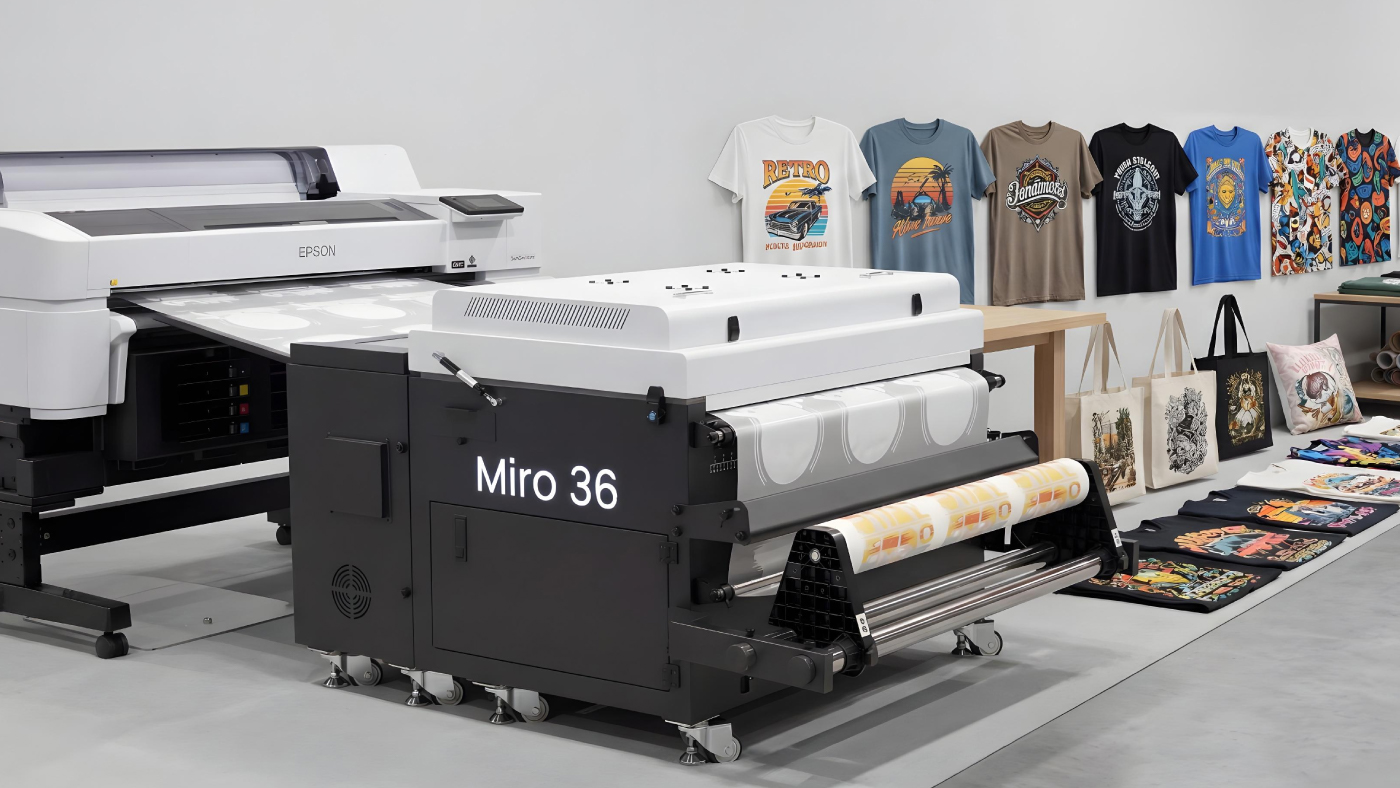
Learn More About the Miro Shaker
%20200-86.png?width=200&height=86&name=LexJet_PNG%20(1)%20200-86.png "LexJet")






.jpg)
.jpg)

Post a comment