Buying a large-format printer should start with the work you want to produce, not the machine specs. A printer that looks impressive on paper can still be the wrong fit if it doesn't match your applications, workflow, media needs, staffing, or growth plans. The shops that make confident purchasing decisions tend to ask the same types of questions before they ever look at a spec sheet.
Start With the Business Case
What problem are you trying to solve?
Start by naming the specific business need: replacing aging equipment, adding production capacity, bringing outsourced work in-house, or expanding into new product categories. The answer shapes every decision that follows. A shop replacing a 10-year-old aqueous printer has a different set of requirements than one that is bringing vehicle wrap production in-house for the first time.
What work will justify the investment?
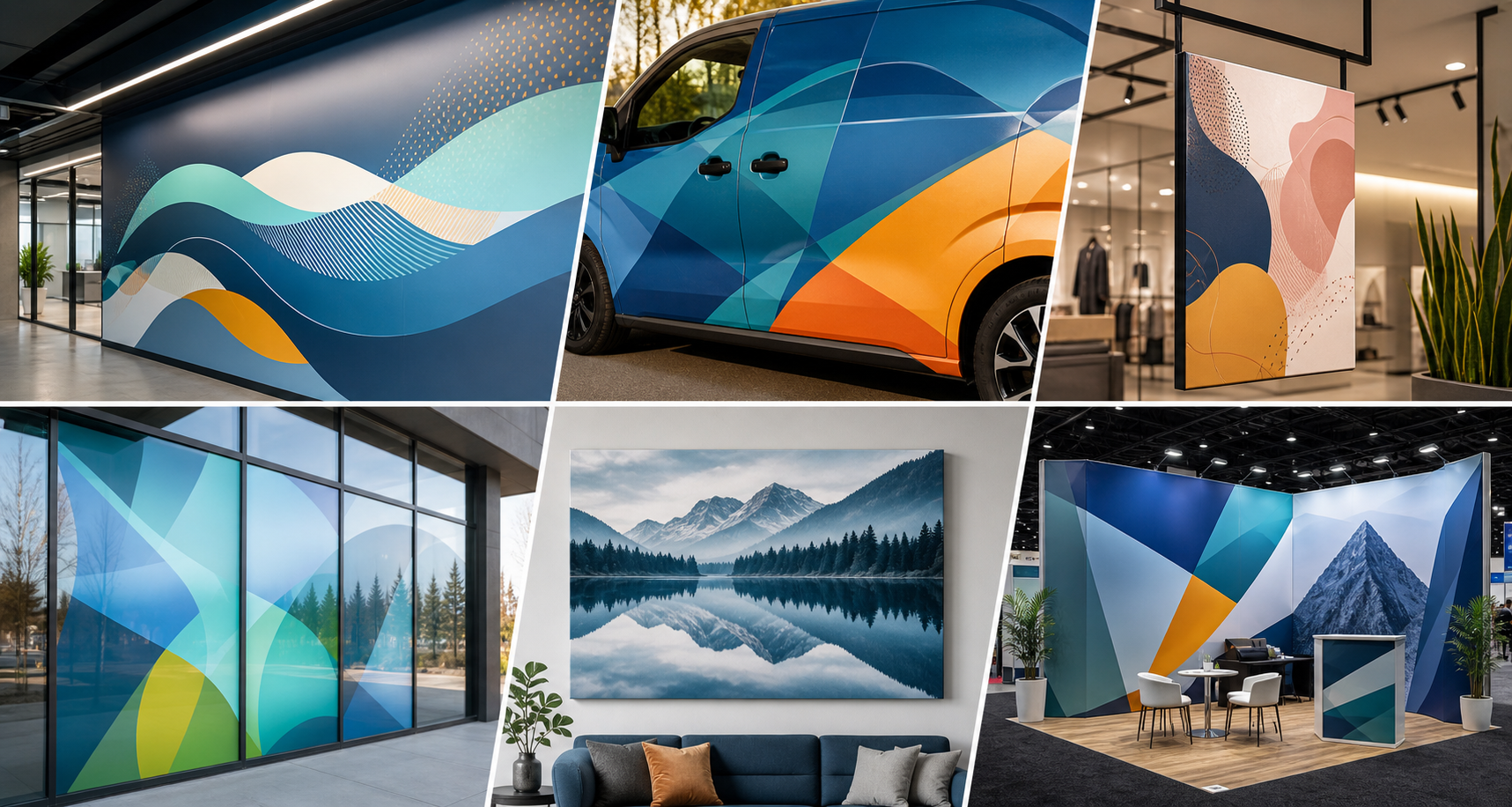
Identify the jobs most likely to generate revenue: signs, banners, wall graphics, vehicle wraps, retail graphics, canvas prints, fine art output, or custom décor. A printer that supports two or three high-demand applications has a more predictable return than one purchased on the hope of future volume. If large format print shop profits are the goal, matching the printer to proven demand is where that math starts.
How often will this work come through the shop?
A printer running steady repeat jobs has a very different ROI profile than one bought for occasional specialty projects. Realistic volume projections matter more than theoretical capacity.
Define the Applications Before the Specs
What do you need to print now?
List the applications your customers already order or request. This is your baseline because the printer needs to handle these reliably before anything else. If you're regularly outsourcing banner or signage work because your current equipment can't handle the volume or substrate, that's a clear signal about what the next printer needs to do.
What do you want to print next?
Higher-margin categories such as wall graphics, window graphics, vehicle graphics, fine art reproduction, retail displays, and custom décor are worth factoring into the decision. If the printer can't support those applications, you're locking yourself out of growth. Printing wall graphics, for example, requires a printer and ink combination that can handle wallcovering substrates and maintain color consistency across large, visible installs.
Which applications require durability?
Outdoor signage, floor graphics, vehicle wraps, and high-touch surfaces require specific ink chemistry, compatible wide-format media, and in many cases lamination. Confirm that the printer and supplies you're evaluating can actually meet those durability requirements before purchase.
Which applications require premium image quality?
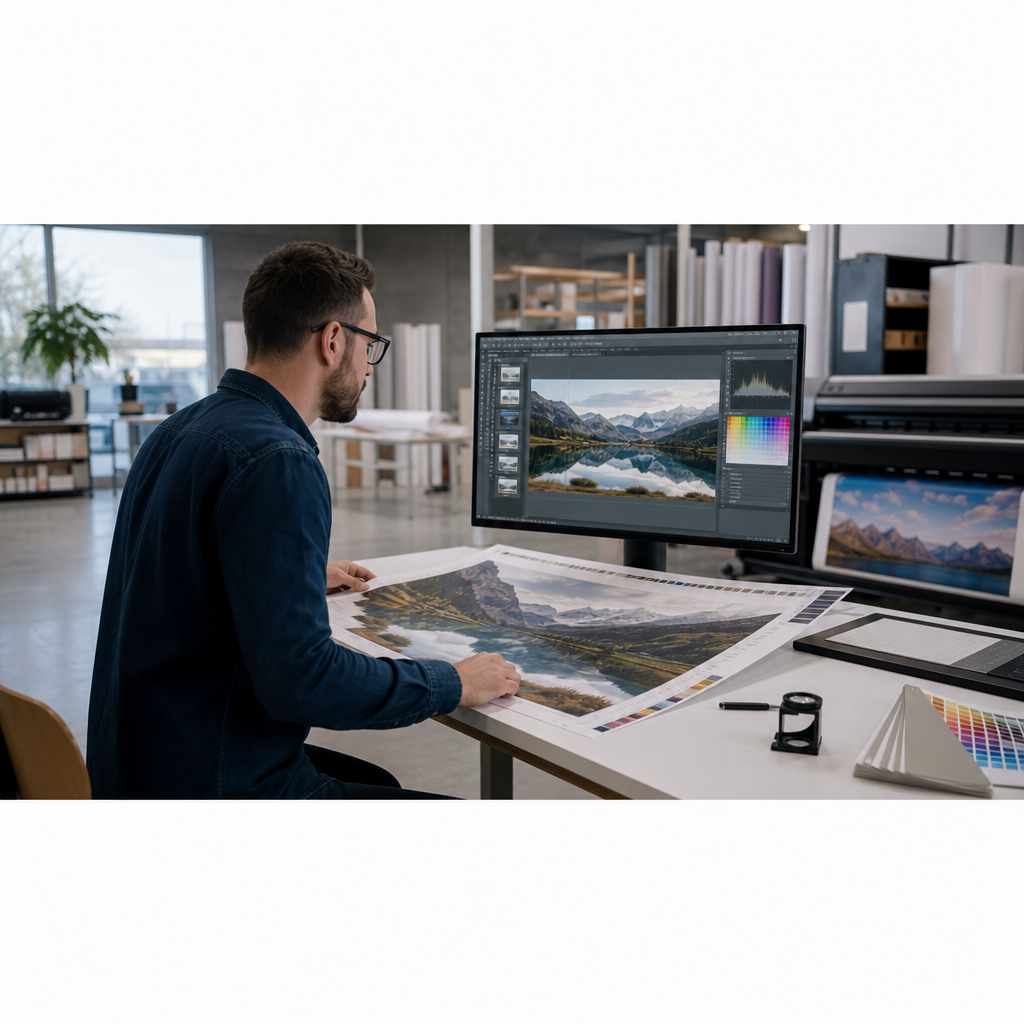
Photo prints, gallery work, fine art reproductions, and branded interiors demand consistent color and fine detail. These applications have less tolerance for variation, so the combination of printer, ink, and media needs to be evaluated together.
Which printer technology fits your applications?
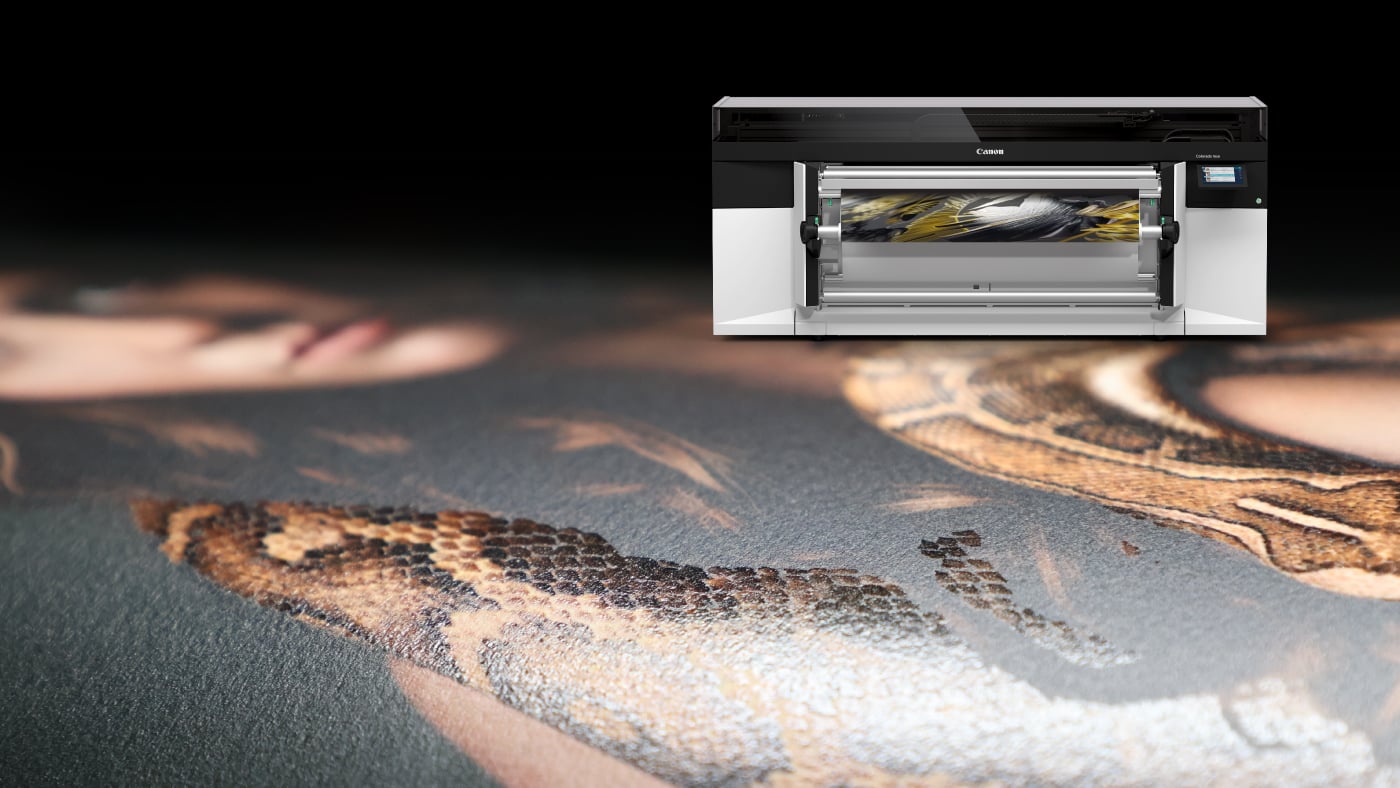
Different printing technologies are built for different types of work. Aqueous printers are best for photography and fine art, latex printers are commonly used for signage and wallcoverings, eco-solvent printers are popular for vehicle graphics and outdoor signage, and UV printers are designed for rigid materials and specialty applications. The right choice depends on the applications you produce most often and where you plan to grow.
Match the Printer to Your Production Reality
What print width do you actually need?
A wider printer can reduce seams on large installs and open up new applications, but it also affects floor space, media handling, and purchase cost. Bigger isn't automatically better if the rest of your workflow can't support it.
How fast do jobs need to move?
Print speed is one variable in a longer chain. Dry time, finishing, cutting, lamination, packing, and installation all affect actual turnaround. A faster printer doesn't help if the bottleneck is somewhere else in the process.
Where are your current bottlenecks?
If the real delays are in file prep, trimming, lamination, or approvals, adding a faster printer won't fix them. Solve the actual constraint. A shop spending an hour on manual contour cutting after every print job will see more throughput improvement from a cutting solution than from a printer upgrade.
Who will run the printer?
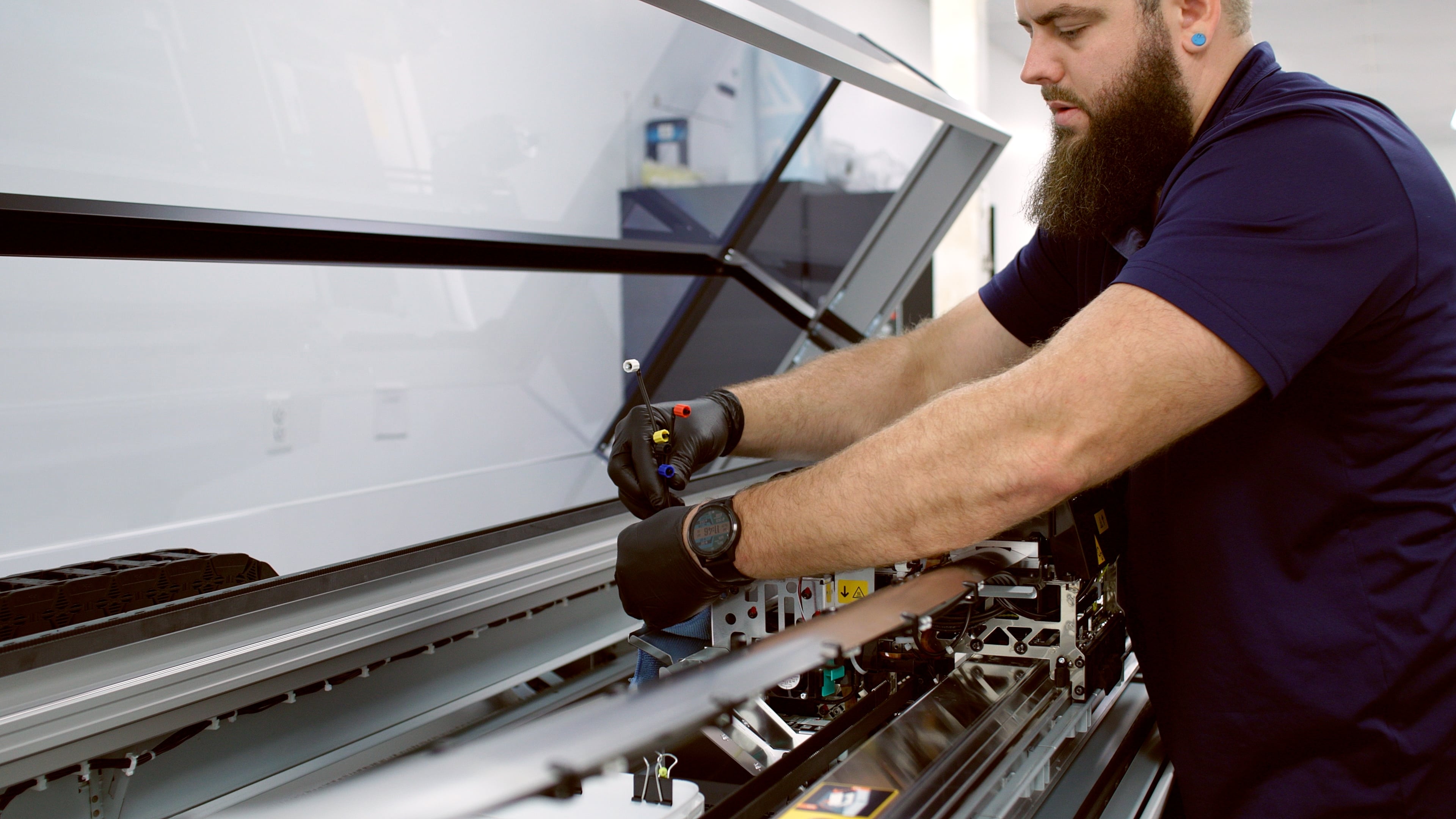
Factor in operator experience, training requirements, day-to-day maintenance, and shift coverage. A printer that demands specialized expertise can create production risk if your most experienced person is unavailable. Some wide-format printers are designed with simpler daily maintenance routines and more guided calibration workflows, which matters more in smaller shops where one or two people handle everything.
Think Through Ink, Media, and Finishing Together
What ink technology fits your work?
Indoor graphics, outdoor graphics, vehicle wraps, photo output, and décor applications can require different ink technologies with varying durability profiles. Wide-format printers use various ink types (aqueous, latex, eco-solvent, solvent, UV-curable), and the right choice depends on what you're printing and where it's going.
What media will you run most often?
Confirm compatibility with the substrates your shop relies on: cast vinyl, calendered vinyl, scrim vinyl banners, photo paper, canvas, fine art paper, wallcovering material, fabric, backlit film, or specialty rigid media. A printer that can't run your core substrates reliably is the wrong printer, regardless of other specs. Understanding the range of wide-format media a printer supports also tells you how much room you have to expand your product offering without switching platforms.
What finishing is required?
Some applications need lamination, contour cutting, canvas stretching, mounting, or protective films. Map out the finishing steps before you commit so you're not buying equipment that requires immediate add-ons.
Can you source supplies consistently?
Reliable access to wide-format printer ink and media helps protect color consistency, turnaround time, and repeat customer work. Supply chain reliability matters as much as product quality.
Calculate the Full Cost, Not Just the Printer Price
What costs come after purchase?
The purchase price is the start of the cost picture. Build in ink, media, service contracts, preventive maintenance, software licensing, utilities, waste, labor, operator training, and replacement parts over a realistic ownership period.
How much waste should you plan for?
Test prints, media profiling, setup sheets, trimming, and reprints are real costs. Shops that underestimate waste tend to underestimate the true cost per square foot.
What does downtime cost?
A lower-priced printer can cost more in practice if service is slow, parts are hard to source, or production halts during peak periods. Factor in the cost of missed or delayed jobs, not just the cost of repair.
How long will it take the printer to pay for itself?
Many shops buy a large-format printer to bring outsourced work in-house, reduce production costs, or expand into new applications. Estimate how much revenue the printer could generate each month and compare that to the total cost of ownership, including ink, media, labor, maintenance, and finishing. A realistic payback period often provides a better buying framework than comparing equipment prices alone.
Evaluate Support Before You Buy
Who helps with installation and setup?
Ask specifically about onboarding: calibration, color setup, RIP workflow configuration, operator training, and first-job support. A smooth installation sets up the printer to perform correctly from day one.
Who helps when production issues happen?
Look at service response time, technical support access, warranty terms, and parts availability. When a printer goes down mid-job, the quality of your vendor relationship becomes very concrete.
Can the supplier advise on applications?
The most useful support goes beyond troubleshooting. A supplier worth working with can offer practical guidance on media selection, ink choices, workflow improvements, and profitable product opportunities for your specific shop.
Decide What "Best" Means for Your Shop
The best printer for photo output may not be best for wraps
There's no single answer to what is the best wide-format printer to buy. The right choice depends on your work mix, production volume, application requirements, and growth priorities, not a universal ranking.
The fastest printer may not deliver the best margin
Speed is only one variable. A printer that runs fast but requires expensive media, generates high waste, or demands constant calibration may not be the most profitable choice.
The best printer for today may not be best for next year
Buy for where your shop is headed, not just where it is now. If your growth plan includes wall graphics, fine art, or custom décor, confirm the printer and its compatible supplies can support those applications before you commit.
How LexJet Can Help
LexJet helps print providers evaluate applications, media compatibility, workflow requirements, operating costs, and long-term growth opportunities before investing in equipment. The goal is simple: choose a printer that fits the work you produce today and the opportunities you plan to pursue next.
If you're evaluating printers, LexJet can help you compare options based on the work your shop actually needs to produce, identify the full cost picture, and reduce the risk of a purchase that doesn't perform as expected.
%20200-86.png?width=200&height=86&name=LexJet_PNG%20(1)%20200-86.png "LexJet")




.jpg)

Post a comment