A printer that works well for vehicle graphics may not be the best platform for color-critical fine-art reproduction. Latex, UV, eco-solvent, and aqueous printers differ in media compatibility, finishing requirements, durability, color capabilities, and operating costs. Choosing the right large-format printer starts with the work your shop produces most often and the applications you plan to add.
Start With the Work Your Shop Prints Most
The fastest way to narrow four printer technologies down to one is to start with your job mix, not the spec sheet.
Outdoor Signs, Banners, and Decals
A banner that hangs through a full summer, or a decal riding on a delivery van every day, has to survive sun, rain, and constant handling without fading or peeling at the edges. Eco-solvent and latex are both widely used for these applications, but their finishing workflows, workspace requirements, and lamination needs vary by printer, ink, and media.
Retail Graphics, POP, and Wallcoverings
A shelf talker or a wallcovering panel usually goes straight into a live retail space, which rules out anything that needs ventilation that the store doesn't have. For graphics produced for retail and other indoor environments, consider odor, ventilation requirements, media compatibility, and relevant certifications for the specific printer and ink system.
Fine Art, Photo, Proofing, and Décor
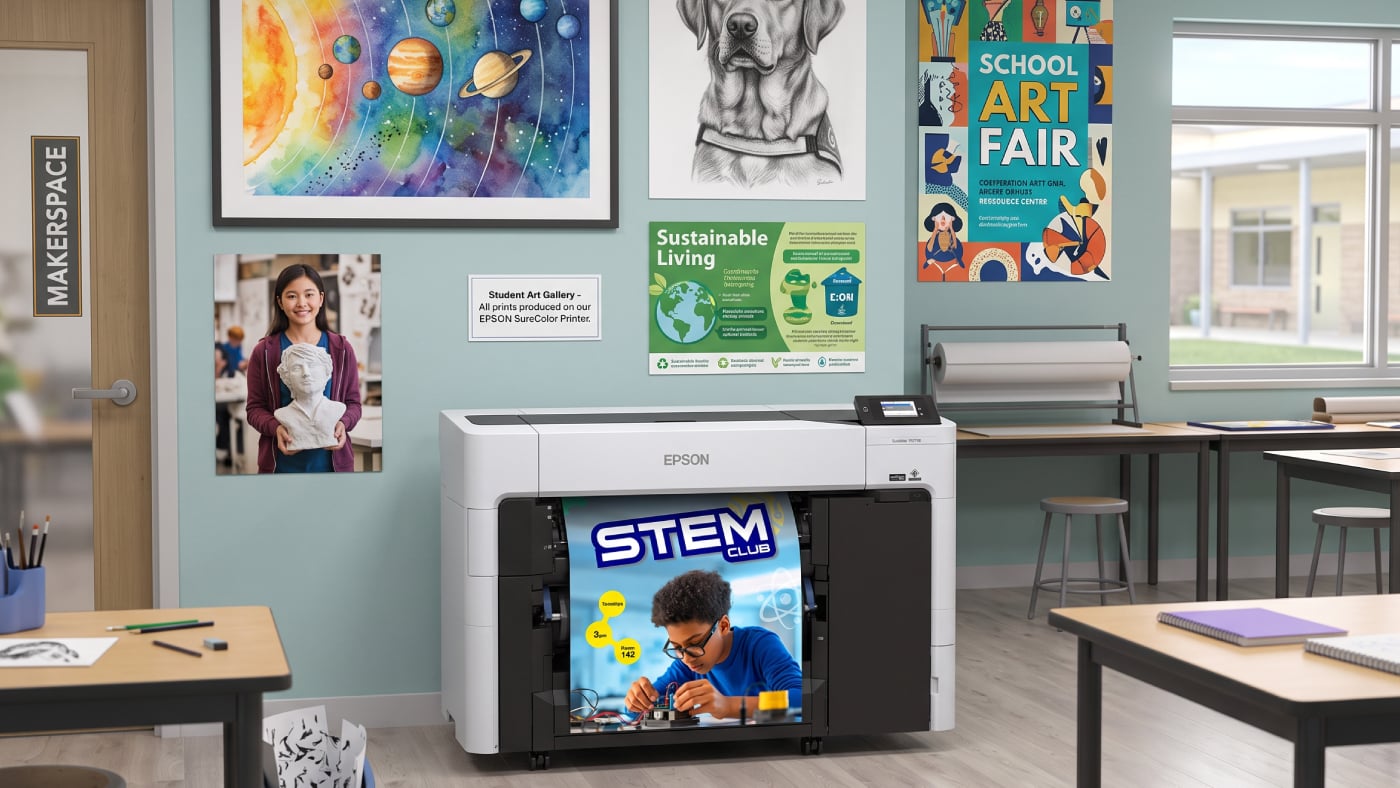
For gallery-quality reproductions and client proofs, color gamut, smooth tonal transitions, and fine detail typically matter more than outdoor durability. High-end aqueous photo and fine-art printers are built for this type of color-critical work, where print media affects color quality and finishing across coated papers, canvas, and photo media.
Rigid Boards and Specialty Applications
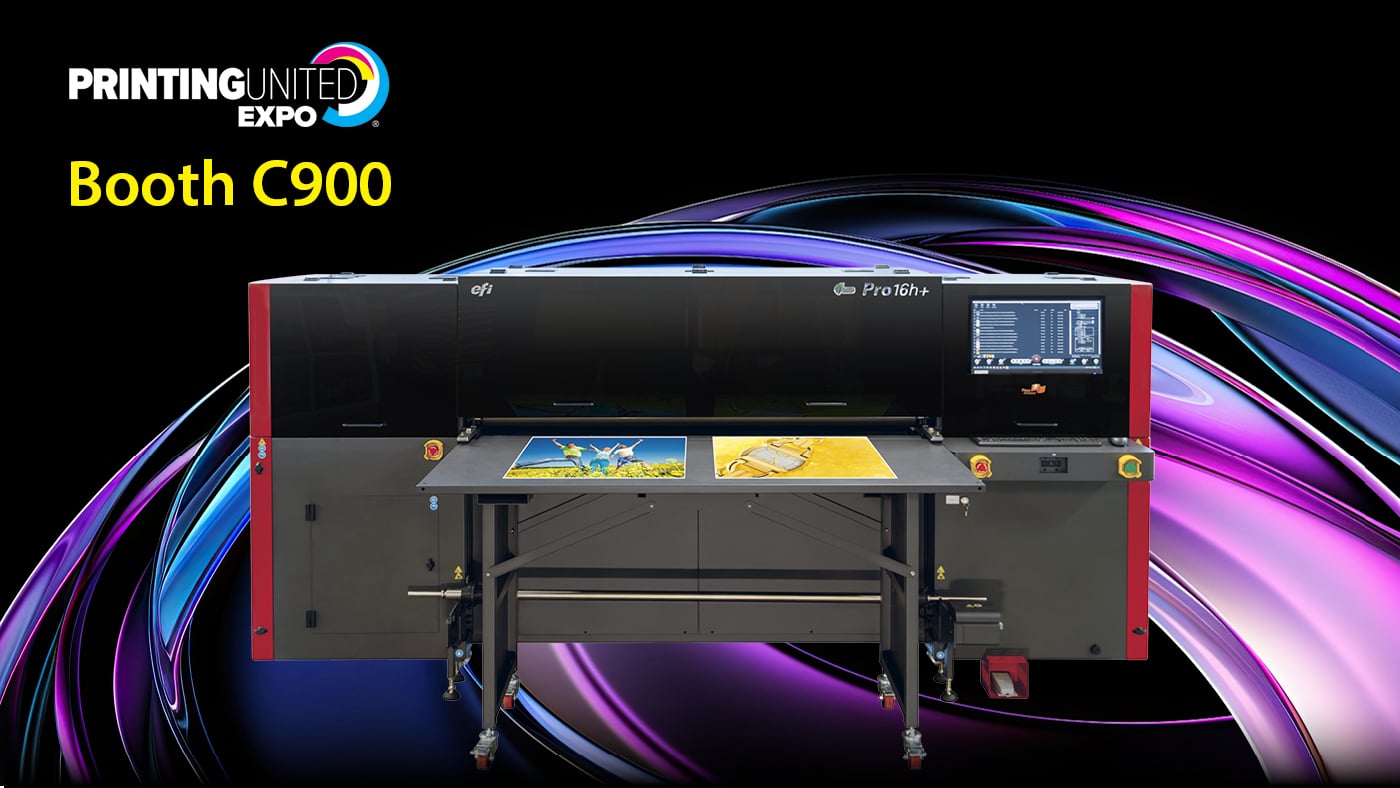
A job printed on foam board or acrylic rules out any roll-fed-only platform before you even get to media selection. Flatbed and hybrid UV printers are commonly used to print directly on rigid substrates such as foam board and acrylic. Rigid-media capability depends on the printer’s design, however, and some hybrid Latex systems can also print directly to rigid media.
Quick Comparison: Latex, UV, Eco-Solvent, and Aqueous Printers
Once you know your job mix, the table below shows how the four technologies compare.
|
|
Latex
|
UV
|
Eco-Solvent
|
Aqueous
|
|
Best For
|
Signage, banners, retail graphics, wallcoverings
|
Rigid substrates, specialty effects, short-run signage
|
Vehicle graphics, decals, outdoor signage
|
Fine art, photo, proofing, indoor posters
|
|
Media Fit
|
Broad: vinyl, fabric, paper, canvas; rigid media on compatible hybrid systems
|
Broad, including rigid boards and uncoated media
|
Vinyl, banner material, films
|
Coated papers, canvas, photo media
|
|
Durability
|
Strong outdoor durability with compatible ink/media combinations
|
Strong outdoor durability with the right ink/media match
|
Varies by ink, media, exposure, and application
|
Varies by ink and media; protective finishing may be recommended for handling or outdoor exposure
|
|
Drying / Curing
|
Water-based; dries and cures inside the printer using heat and airflow
|
Cures under UV lamp
|
Solvent-based; drying and finishing time varies by printer and ink system
|
Water-based; drying and handling time varies by media and application
|
|
Odor
|
Low; no special ventilation required for HP Latex systems
|
Varies by printer and ink system; check ventilation requirements
|
Varies by printer and ink system; check ventilation requirements
|
Low; minimal ventilation needs
|
|
Lamination Needed
|
Often optional, depending on application
|
Often optional; adds scratch resistance for high-touch pieces
|
Recommended when added abrasion resistance or outdoor durability is required
|
May be recommended for durability outside protected settings
|
|
Typical Shop Fit
|
Shops wanting one platform for most jobs
|
Shops adding rigid substrates or specialty effects
|
Vehicle wrap and outdoor signage shops already set up for solvent
|
Photo, fine art, and proofing-focused shops
|
UV vs Latex Printer: The Key Differences
Latex and UV overlap across many signage and display applications, but the differences go beyond drying methods.
Curing, Drying, and Turnaround Time
UV ink cures under UV light, while latex ink dries and cures inside the printer using heat and airflow. Both technologies can produce prints that are ready for immediate handling and finishing. Turnaround differences depend more on printer speed, substrate, and production workflow than on post-print drying time.
Media Compatibility and Adhesion
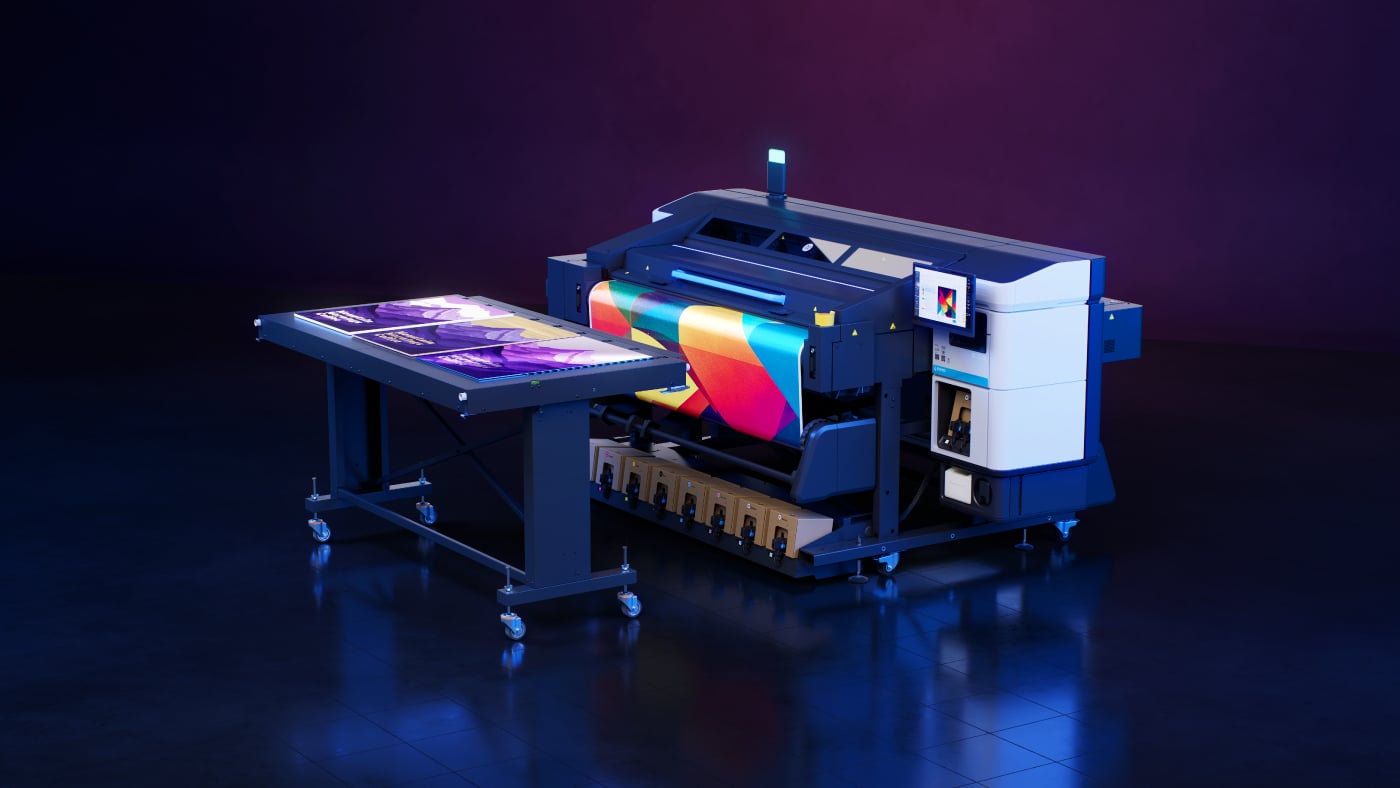
UV technology is widely used for direct printing on rigid, uncoated, and non-porous substrates, particularly on flatbed and hybrid systems. HP Latex printers are commonly used with flexible media such as vinyl and fabric, although some hybrid Latex printers also support direct-to-rigid printing.
Outdoor Durability and Scratch Resistance
Both technologies hold up outdoors, but the failure points differ. Flexibility varies by UV ink formulation. Some UV inks are better suited to rigid applications, while flexible UV formulations are designed for media that bends or stretches. Latex ink stays flexible after drying, making compatible systems well suited for banners, vehicle graphics, and other applications that may bend or stretch.
White Ink, Texture, and Specialty Effects
UV technology is commonly used for specialty effects. A raised, textured layer or a spot-varnish highlight comes from building up precise, repeatable passes of cured ink, which UV's instant-cure process makes possible. Latex platforms increasingly offer white ink too, but embossed and layered textures remain UV's strongest differentiator.
Odor, Ventilation, and Workspace Needs
Workspace requirements vary by platform. HP Latex printers do not require special ventilation, while ventilation and odor requirements for UV systems vary by printer and ink formulation. Check the manufacturer’s site-preparation requirements before choosing a system for an enclosed production environment.
Ink, Maintenance, and Long-Term Operating Costs
Ink cost per job varies by application more than by technology category, so the printer with the lower sticker price isn't automatically the cheaper one to run. Maintenance requirements vary considerably by platform. Compare printhead maintenance, curing system maintenance, waste ink, consumables, service intervals, and labor for the specific models you are considering.
Latex vs Eco-Solvent Printer: Key Differences
Latex and eco-solvent printers handle many of the same applications, including banners, decals, vehicle graphics, and outdoor signage. The bigger differences are in finishing workflow, workspace requirements, media compatibility, and the equipment a shop already has in place. Drying, lamination timing, ventilation requirements, and ink cost should be compared at the printer-model level.
Outdoor durability depends on the specific ink, media, exposure, and application. For longer-term outdoor graphics, check the specifications for the specific ink and media combination and use lamination when additional durability or abrasion resistance is required.
When Aqueous Still Makes Sense
Aqueous printers remain a strong fit for photo, fine art, and proofing work. Color accuracy and gradient smoothness on coated papers and canvas remain its strongest advantage, which matters for reproduction work where a client can compare the print directly to the original. Proofing environments benefit too, since predictable, repeatable color matters more than production speed.
The tradeoff is protection. Depending on the ink, media, and application, aqueous prints may need lamination, a protective coating, or framing for added resistance to handling or outdoor exposure. For shops focused on paper-based, indoor, and archival work, that tradeoff is worth it for the color quality aqueous still delivers.
Best Printer Type by Application
Matching technology to application gets easier once you can see it side by side.
|
Application
|
Common Best-Fit Technologies
|
|
Banners
|
Eco-solvent or latex
|
|
Vehicle wraps
|
Latex or eco-solvent
|
|
Wallcoverings
|
Latex, UV, or eco-solvent
|
|
Backlit film
|
Latex, UV, or eco-solvent
|
|
Posters
|
Aqueous or latex
|
|
Canvas
|
Aqueous or latex
|
|
Rigid signage
|
UV or rigid-capable hybrid latex
|
|
Trade show graphics
|
Latex or UV
|
Questions to Answer Before Buying
For a broader equipment evaluation, see the questions to ask before buying a large-format printer.
What Percentage of Work Is Indoor vs Outdoor?
If most of your volume goes outdoors, prioritize outdoor durability, lamination requirements, and media compatibility. For primarily indoor work, color requirements, substrate choice, workspace needs, handling, and finishing may carry more weight.
How Fast Do Jobs Need to Ship?
UV and latex can both support fast-turnaround workflows because output is ready for handling and finishing after printing. Aqueous printing may require additional drying or finishing time depending on the ink, media, and application. For rush work, compare the printer’s production speed, finishing requirements, and media handling rather than curing method alone.
Which Media Do You Already Use?
Start with the substrates your shop runs most often. Shops built around vinyl and other flexible media may find Latex or eco-solvent fits more naturally into their existing workflow. If demand is shifting toward rigid or specialty media, compare flatbed and hybrid systems, including UV and rigid-capable Latex platforms.
Do You Need Lamination, White Ink, or Rigid Media?
Rigid media alone does not determine the ink technology, so compare flatbed and hybrid capabilities first. White ink is available on both select Latex and UV platforms, while raised textures and spot varnish more clearly point toward UV. Lamination needs depend on the application, media, and expected wear.
What Service and Support Will You Need After Purchase?
Printer selection doesn't end at the purchase order. How smoothly installation and initial training go often determines how fast a new platform gets productive, and it's worth knowing what that process looks like before you sign. Our walkthrough of what to expect during a wide-format printer installation covers what happens between the order and the first production run.
How LexJet Can Help Match Printer, Ink, and Media
None of these technologies is universally right. The best fit depends on your current production mix, workflow requirements, and the applications you plan to add. LexJet can help evaluate the printer, ink, media, and finishing requirements together before you commit to a platform.
If you're weighing eco-solvent against Latex, comparing UV and Latex workflows, or deciding whether a flatbed or hybrid printer makes sense for your application mix, a LexJet product specialist can help narrow the options. That conversation starts with your applications, media, workflow, and budget. Explore LexJet’s wide-format printers or talk with a product specialist to narrow the platforms that fit your shop.
%20200-86.png?width=200&height=86&name=LexJet_PNG%20(1)%20200-86.png "LexJet")



Post a comment